Why WhatsApp Fits a Property Launch
WhatsApp is where the second conversation happens. The first one is a Meta ad or a portal enquiry. Then the buyer goes quiet. They compare three projects, ask a cousin and check the road on Google Maps. A sales call at that stage feels pushy. Nobody minds a site photo on WhatsApp.
Families forward, too. One message about a 3 BHK reaches a father in Sikar and a brother in Pune. Email never travels like that. The wider shift, from first enquiry to closure, is covered in an earlier post.
Ask any real estate marketing company where launch leads go cold. Most will point to the gap between the ad click and the site visit. WhatsApp fills that gap. Few launches plan for it.
How to Run a WhatsApp Campaign: Step by Step
Start eight weeks out, not eight days. Anyone working out how to do WhatsApp marketing for a launch needs six things in order. Skip one and the rest wobble.
Step 1: Build an Opt-In List Before Launch
Every number on your list needs a clear yes. Collect it through Meta lead forms, your website form or Click-to-WhatsApp ads. A site office QR code works too. The consent line must name your business and say WhatsApp. Bought portal data doesn't count.
Places to collect a clean opt-in:
- Meta lead form, with a tick box naming WhatsApp
- Click-to-WhatsApp ad, where the buyer opens the chat
- Website enquiry form and exit pop-up
- QR code at the site office, hoarding or insert
- Channel partner handovers, with consent taken fresh
Sound strict? It protects your number too. Users who never asked for your message block it. Your quality rating drops. Meta then cuts how many people you can reach in a day.
Step 2: Split Leads by How Warm They Are
A lead who visited last week and a lead from 2024 are not the same buyer. Treat them alike and both tune out. Sort every lead into hot, cold or dormant before writing a word.
Here is the split that works for most launches:
- Hot: enquired or visited in the last 30 days
- Cold: enquired one to six months back, no visit yet
- Dormant: older than six months, or quiet after one reply
- Do not message: opted out, wrong city, budget mismatch
Tag the source too. A Google lead and a hoarding walk-in need different openers.
Step 3: Set Up the WhatsApp Business Platform
Move off the free Business app once the list passes a few hundred names. App broadcasts only reach people who saved your number. Lists cap at 256 contacts.
The Business Platform, set up through a Meta partner, adds buttons, tracking and CRM sync. Every marketing message must go out as an approved template. Submit your WhatsApp templates a week early. Meta rejects them over small things.
Lock these down before launch week:
- Verified business profile and display name
- Approved templates for every message in the run
- Two backup templates, in case one gets rejected
- CRM sync, so replies land with the sales team
- Opt-out keyword handling that works on its own
Step 4: Map the Sequence Day by Day
How many messages is too many? Fewer than most teams plan. Meta caps how many marketing messages one Indian number can get, across all businesses. Your day-five offer may simply not arrive.
Space messages two to three days apart. Tie each one to a site visit. Use WhatsApp automation for triggers. A buyer who taps the floor plan should get visit slots next, not another brochure.
Triggers worth building first:
- Tapped the floor plan, then send visit slots
- Opened twice with no reply, then send a voice note
- Replied with a question, then route to a salesperson
- Booked a slot, then remind the night before
- No open in ten days, then move to the dormant track
Step 5: Write One Point Per Message
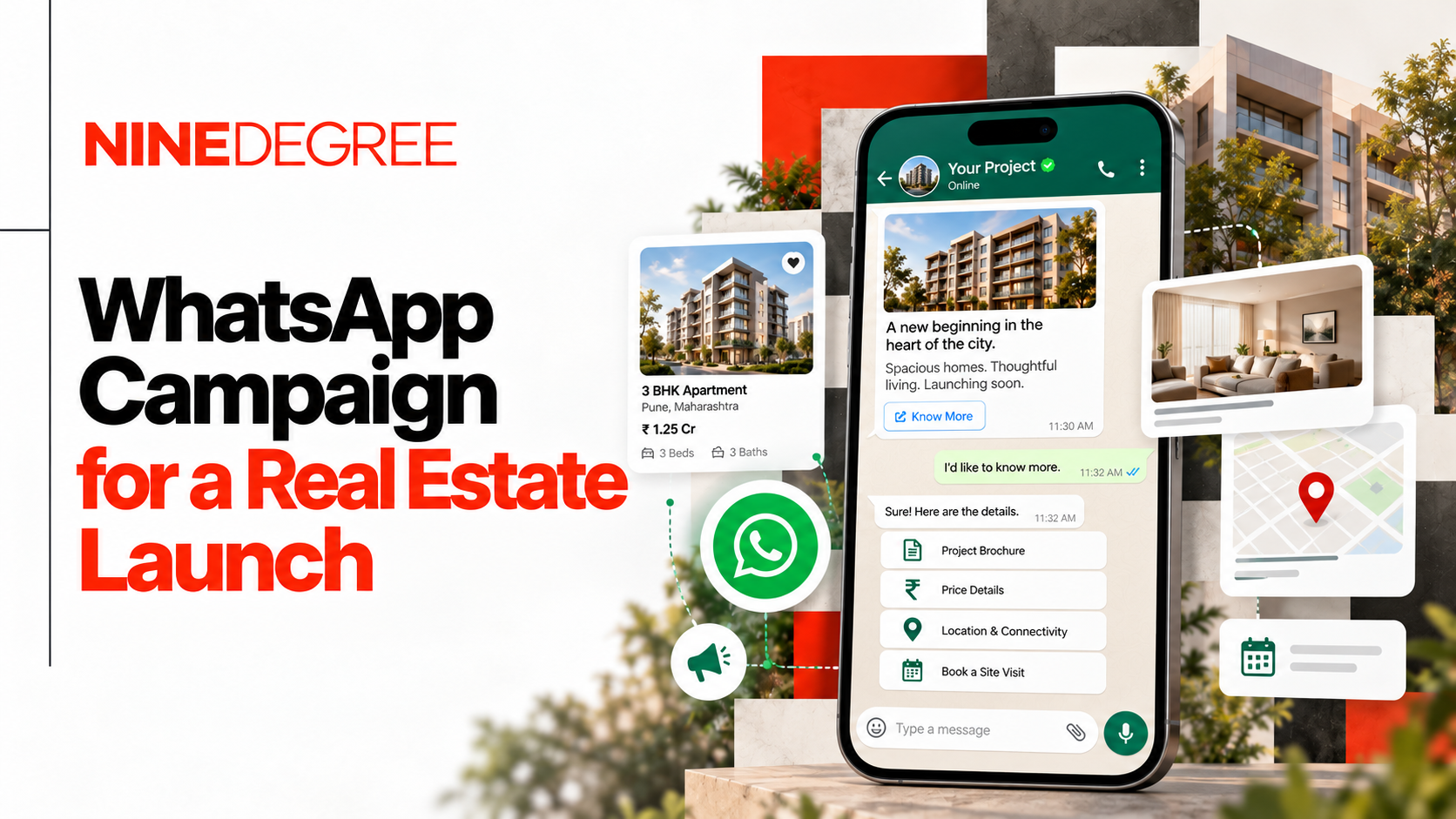
A launch message is not a brochure. One idea, one image, one button. Picture a 20-second clip of slab four being poured. Add a "Book a Saturday visit" button. That beats a 300-word text.
Write in Hindi or Hinglish if your buyers do. Put the RERA number on every creative. A WhatsApp image is still an ad.
Step 6: Track Site Visits, Not Read Rates
Read rates look great on every dashboard. They don't sell homes. Track button taps, replies, visits booked and visits done. Pass hot replies to a salesperson within the hour. A 9 p.m. reply answered the next noon is a lost lead.
Put these in the weekly report:
- Button taps per template
- Replies, split by lead group
- Visits booked, and visits actually done
- Median time from reply to first call
Is WhatsApp Marketing Legal in India?
Yes. WhatsApp marketing is legal in India when the buyer opted in. Three layers of rules apply at once.
Meta's policy comes first. Your opt-in must name the business and the channel, and opt-outs must be honoured. The DPDP Act, 2023 adds a second layer. Its Rules came out in November 2025, with most duties due by May 2027. Consent must be clear and tied to a purpose. Data taken to book a visit can't be reused for marketing without fresh consent.
RERA is the third. Your registration number and the RERA website belong on every ad. MahaRERA also wants a QR code.
Run this check before the first send:
- Consent text names the business and WhatsApp
- Purpose recorded against every number
- Opt-out works, and gets logged
- RERA number on every image and video
- State QR code rules checked, not assumed
Sounds like overkill?
A banned number mid-launch costs far more. Check your state's rules first.
How to Use WhatsApp Status for Marketing
For most launches, free Status is the weaker tool. Only people who saved your number see it. And it vanishes in 24 hours.
Still, it has a job. Each salesperson can post one site update a day. Warm leads who saved that number will see it. WhatsApp status marketing works best this way. A quiet daily nudge.
Paid Status ads are a different thing. Meta has sold them since 2025 through Ads Manager. They show in the Updates tab. And they reach beyond your contacts. Run them in launch week, in a tight radius around the site.
WhatsApp Marketing Case Study: Manglam Aaradhya's 30-Day Drip
Here's an honest look at a drip built from scratch. Manglam Aaradhya is a Manglam Group project of 3, 4 and 5 BHK homes on Sikar Road, Jaipur. The Ninedegree team planned a 30-day WhatsApp drip with one goal. Turn digital interest into site visits.
The structure was fixed before any copy was written. Leads were split three ways.
Hot leads got a ten-day sprint. Day one was scarcity. On day three, a site progress update. Price revisions and offers went out on day five. Day seven covered the Manglam track record. A family-values message and a final visit push closed the run. No brochure or floor-plan buttons went to this group. Why? Hot leads had already seen the brochure. A button only pulled them away from booking.
Cold leads opened with one question on day one. What matters most: location, pricing, convenience or the area around? Each answer got its own reply. Then all branches merged into one shared loop. That was a choice made on purpose. Four tracks would mean four times the copy and four times the mistakes.
Dormant leads got the most messages, on a fixed schedule of project facts. No urgency. Just a steady reason to look again. A few "bridge" selling points ran across all three groups, so the story stayed the same everywhere.
The lesson? Segment by warmth. Cap the branches. Judge it on visits.
WhatsApp Campaign Examples for a Launch
Most launch campaigns run on the same three messages. Launch offer, brochure, reminder. Buyers have seen that pattern from every builder in the city. Better WhatsApp campaign ideas show the site moving and ask the buyer to act.
These WhatsApp marketing campaign examples suit most launches:
- Weekly slab countdown with a short site clip
- "Pick your view" poll with three floor options
- 30-second sample-flat walkthrough
- Saturday visit slots as quick-reply buttons
- Festive booking window for Navratri or Dhanteras
- Voice note from the project head on one common doubt
- Evening call slots for NRI buyers in the Gulf
- Possession update that matches the RERA timeline
Need the actual wording? These 20 ready WhatsApp promotion messages cover launches, site visits and follow-ups.
Keep festive offers real without fluff to maintain customer trust.
Final Take
The best WhatsApp marketing strategy for a launch is mostly prep. List, segments and approved templates come first. Messages come last. Get the order right and WhatsApp stops being a broadcast tool. It becomes the shortest road from ad click to site visit.
Frequently Asked Questions
How do you run a WhatsApp marketing campaign?
Start with an opt-in list, built through lead forms, Click-to-WhatsApp ads and site QR codes. Split leads into hot, cold and dormant groups. Then set up the WhatsApp Business Platform through a Meta partner. Get your templates approved a week before launch. Plan a sequence for each group, with messages two to three days apart. Keep one point per message and end each with a clear button. Track site visits booked, not read rates.
Is WhatsApp marketing legal in India?
Yes, if the person agreed to hear from your business on WhatsApp. Meta requires an opt-in that names your business and the channel. The DPDP Act, 2023 and its 2025 Rules ask for clear consent tied to a purpose. Buyers can also ask you to erase their data. Most duties start in May 2027. For real estate, RERA rules apply on top. Every WhatsApp ad creative needs the project's registration number. Some states, like Maharashtra, also want a QR code.
How do you collect opt-ins for a WhatsApp campaign?
Add a WhatsApp consent checkbox to your Meta lead forms and website forms. Run Click-to-WhatsApp ads, where the buyer starts the chat. Put QR codes on hoardings too. The consent text must name your business and mention WhatsApp. Avoid bought data and old portal leads without fresh consent. Blocks from those numbers lower your quality rating fast. A low rating then shrinks how many buyers you can message each day.
Does WhatsApp Status marketing work for property?
It works as a nudge, not as a lead source. Free Status only reaches people who saved your number. It also disappears in 24 hours. That suits sales teams posting daily site updates for warm leads. To reach new buyers, use paid Status ads through Meta Ads Manager. They appear in the Updates tab and can target a tight radius around the project. Pair them with a Click-to-WhatsApp button so interest turns into a chat.
Share